Creating a new website—whether it’s a blog, startup idea, online store, or personal brand—is an exciting experience. However, before your site goes live, one critical step can make or break its performance: selecting the appropriate web hosting. Beginners frequently become confused when faced with dozens of hosting companies, plans, and technical words.
To make things simple, we’ll go over how to choose the best hosting for a new website, what features are most important, how much you should pay, and typical mistakes to avoid. If you’re starting over in 2026, this handbook is for you.
Key Highlights at a Glance
- Why hosting is critical for website speed and security
- Types of hosting explained in simple language
- Best hosting features for new websites
- Pricing expectations for beginners
- Step-by-step guide on how to buy hosting
- FAQs answered by tech experts
What Is Web Hosting and Why Does It Matter?
Web hosting is the service that stores your website files and makes them accessible on the internet. Without hosting, your website simply cannot exist online.
Good hosting ensures:
- Fast website loading speed
- Better Google ranking (SEO-friendly)
- Strong security against hacking
- Minimal downtime
- Smooth user experience
For a new website, reliable and beginner-friendly hosting is far more important than advanced features.
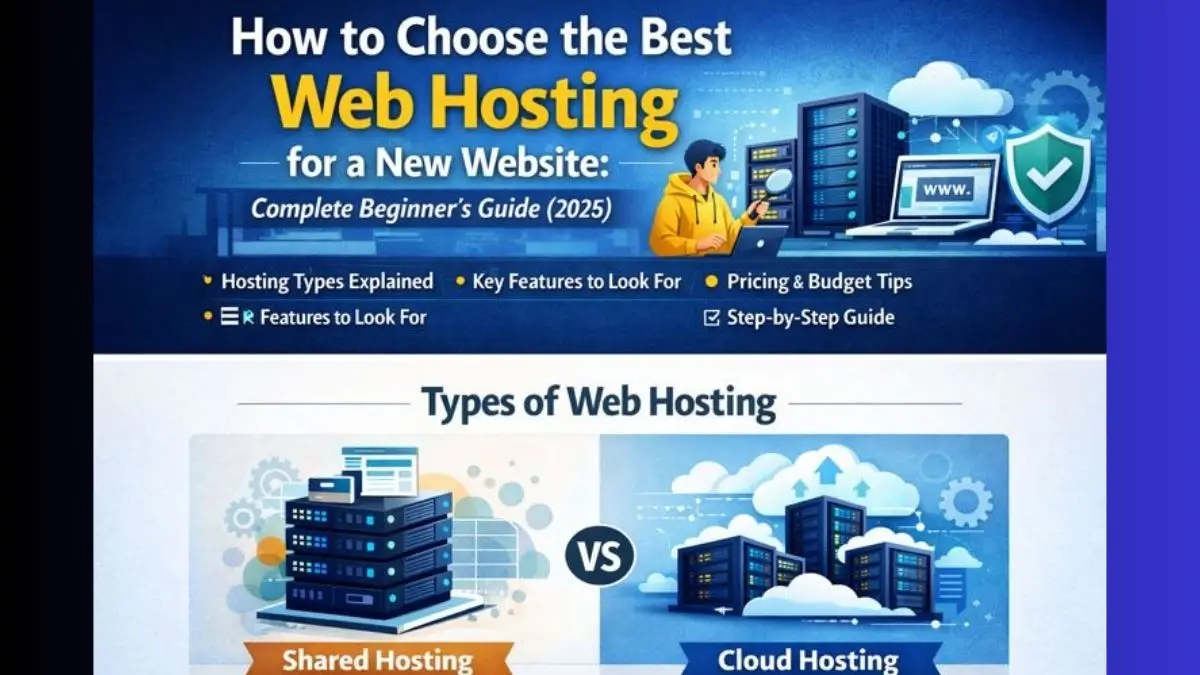
Types of Hosting for New Websites
Shared Hosting (Best for Beginners)
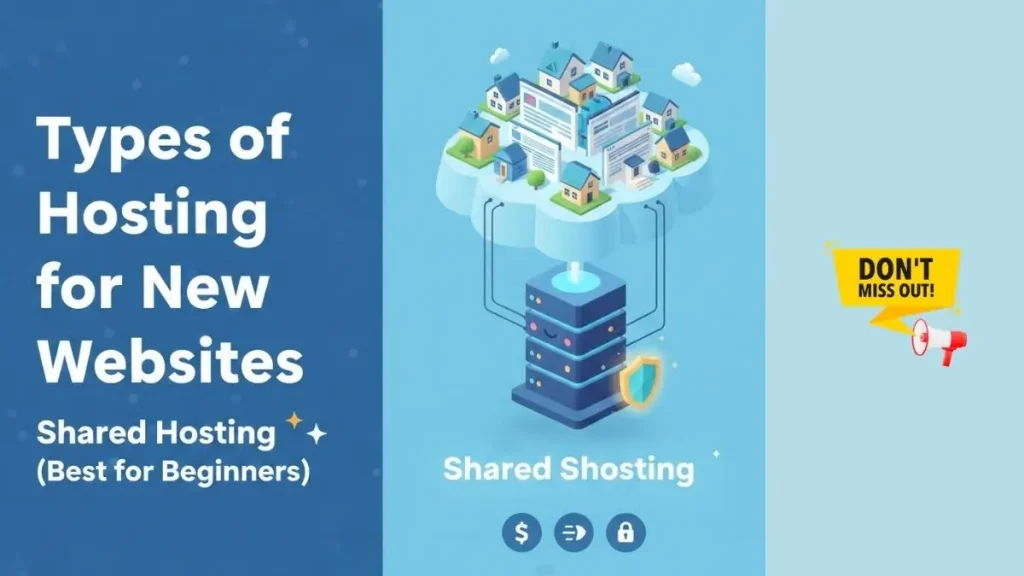
This is the most popular option for new websites.
Best for: Blogs, portfolios, small business sites
Pros: Affordable, easy to use
Cons: Limited resources
Recommended for first-time users.
VPS Hosting
Virtual Private Server hosting offers more power.
Best for: Growing websites
Pros: Better performance
Cons: Slightly technical, higher cost
Cloud Hosting
Modern and scalable hosting solution.
Best for: Startups and traffic-heavy websites
Pros: Flexible resources, high uptime
Cons: Pricing can increase with usage
Key Features to Look for in Best Hosting
1. Fast Speed & SSD Storage
Speed matters for both users and SEO. Always choose hosting with SSD or NVMe storage.
2. Uptime Guarantee (99.9% or Higher)
Higher uptime means your website stays online without interruptions.
3. Free SSL Certificate
SSL keeps your site secure and builds visitor trust. Google also prefers HTTPS websites.
4. Easy Control Panel (cPanel)
A simple dashboard helps beginners manage files, emails, and domains easily.
5. Customer Support (24/7)
Live chat or ticket support is crucial when something breaks.
How Much Should You Spend on Hosting?
For a new website, you don’t need expensive hosting.
Ideal beginner budget:
- ₹150 – ₹300 per month for shared hosting
- Annual plans are cheaper than monthly
Avoid free hosting—it’s slow, unsafe, and unreliable.
How to Choose Best Hosting for Your Website Type
- Blog or Personal Site: Shared hosting
- Business Website: Shared or Cloud hosting
- E-commerce Website: Cloud or VPS hosting
- High Traffic Site: VPS or Dedicated hosting
Choosing based on your website goal saves money and future headaches.
How to Buy Hosting: Step-by-Step Guide
Step 1: Choose a Reliable Hosting Provider
Compare reviews, uptime, and support quality.
Step 2: Select the Right Hosting Plan
Start small. You can always upgrade later.
Step 3: Register or Connect a Domain
Many hosting providers offer a free domain for the first year.
Step 4: Complete Payment
Choose yearly billing for better discounts.
Step 5: Install WordPress or Website Builder
Most hosts offer one-click installation.
Your website is now ready to go live 🚀
Common Mistakes to Avoid
- Choosing the cheapest plan without checking features
- Ignoring customer support quality
- Buying advanced hosting unnecessarily
- Skipping backups and security options
FAQs – New Website Hosting
Q1. Which hosting is best for beginners?
Shared hosting is best due to low cost and ease of use.
Q2. Can I change hosting later?
Yes, most websites can migrate to better hosting as they grow.
Q3. Is free hosting safe?
No. Free hosting lacks security, speed, and reliability.
Q4. Does hosting affect SEO?
Yes. Faster and stable hosting improves search rankings.
Q5. How much traffic can shared hosting handle?
Usually up to 10,000–30,000 monthly visitors comfortably.
Final Verdict: Which Hosting Should You Choose?
The finest hosting for a new website is one that is quick, safe, cost-effective, and simple to maintain. Shared hosting from a reliable provider is sufficient to begin your online journey. You can easily scale your website as it expands.