If you’ve been keeping up with tech news recently, you may have noticed an increase in conversations about encrypted traffic, secure connections, and online privacy. There isn’t a new phone being released today, but there is rising interest in something equally crucial: how your data is safeguarded when you purchase online, visit the web, or use an app. Transport Layer Security, often known as TLS, provides the majority of this security.
This page explains TLS, explains how it functions in layman’s terms, and dispels frequent misunderstandings about TLS and HTTPS.
Key highlights
- Transport Layer Security is the standard for secure internet communication
- TLS protects data from being read or changed during transfer
- It is used in browsers, apps, email, and messaging services
- TLS replaced older SSL standards
- HTTPS relies on TLS to keep websites secure
What is Transport Layer Security in cryptography?
Transport Layer Security in cryptography refers to a security protocol that encrypts data while it travels between two systems. Think of it as a sealed envelope for your internet traffic. Even if someone intercepts the data, they can’t read it.
TLS works at the transport layer of the network stack, which is where data starts moving between devices. It ensures three things: privacy, integrity, and authentication. In simple words, it keeps data private, unchanged, and confirms you’re talking to the right server.
You encounter TLS every day without noticing. When you see a lock icon in your browser, TLS is doing its job quietly in the background.
Transport layer security TLS protocol explained
The transport layer security TLS protocol follows a structured process when a connection starts. This is often called the “TLS handshake.”
Here’s how it works in plain language:
- Your browser asks the server for a secure connection.
- The server sends a digital certificate.
- The browser verifies that certificate.
- Both sides agree on encryption methods.
- Secure communication begins.
Once this setup is complete, all data shared between the two systems is encrypted. This process happens in milliseconds, so users never feel a delay.
Transport layer security tutorial: how TLS works step by step
A basic transport layer security tutorial often starts with an example most people recognize: visiting a secure website.
Transport layer security example:
You open your bank’s website. Before any login details are sent, TLS encrypts the connection. Your password travels as unreadable code, not plain text.
This applies to emails, file transfers, cloud services, and mobile apps. Anywhere sensitive data moves, TLS is usually involved.
TLS vs SSL: what changed and why it matters
The TLS vs SSL comparison comes up often, but the short answer is simple. SSL is outdated. TLS replaced it.
SSL had design weaknesses that made it unsafe over time. TLS fixed those issues and introduced stronger encryption. Today, when people say “SSL,” they often mean TLS, even though SSL is no longer recommended.
Modern browsers no longer support old SSL versions. If a site hasn’t moved to TLS, it’s considered insecure.
Transport Layer Security in CNS and real-world networks
Transport Layer Security in CNS (Computer Network Systems) is a core topic for students and professionals alike. In enterprise networks, TLS secures internal tools, APIs, VPN connections, and cloud platforms.
From video calls to corporate dashboards, TLS ensures that internal and external communication stays protected. This is especially important as remote work and cloud systems become more common.
Transport Layer Security configuration basics
A proper Transport Layer Security configuration matters just as much as using TLS itself. Poor settings can weaken protection.
Good configuration usually includes:
- Using the latest TLS version
- Disabling outdated encryption methods
- Installing valid digital certificates
- Renewing certificates on time
Many hosting providers now automate TLS setup, making secure connections easier even for beginners.
Transport Layer security diagram explained in simple terms
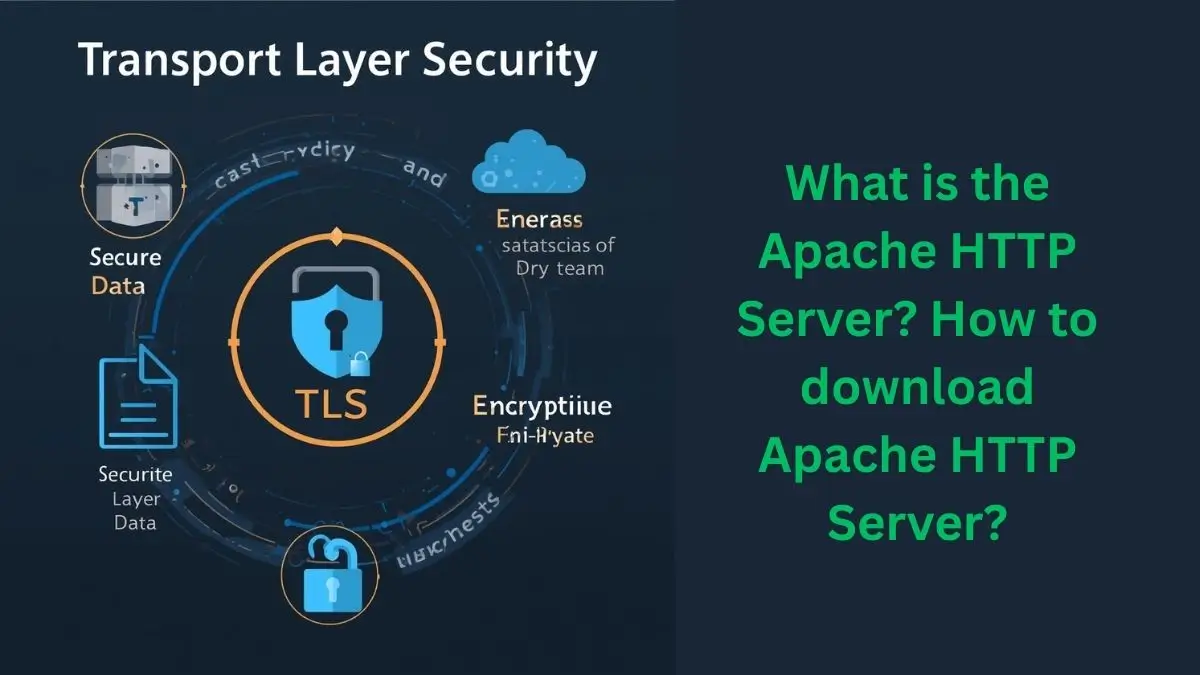
A Transport Layer security diagram typically shows three parts: the client, the server, and the encrypted channel between them. This visual helps explain how data travels safely through an otherwise open network.
The key idea is that encryption happens before data leaves your device and only gets decrypted at the destination.
TLS vs HTTPS: which is better?
This is a trick question. TLS and HTTPS are not competitors.
TLS is the security protocol. HTTPS is HTTP running over TLS. In other words, HTTPS depends on TLS to work. You can’t really choose one over the other.
If you want secure websites, you need both. TLS handles encryption, and HTTPS makes sure web traffic uses it.
Price and availability
TLS is free to use. There’s no license cost for individuals or businesses. It’s built into browsers, operating systems, servers, and apps.
Digital certificates can be free or paid, depending on the provider, but TLS itself is openly available and widely supported.
How to buy or get TLS
You don’t buy TLS directly, but you can start using it easily:
- Choose a hosting provider or server platform.
- Enable HTTPS support.
- Install a TLS certificate.
- Configure security settings.
- Test the secure connection.
Most platforms now guide users through these steps automatically.
FAQs
1. Is Transport Layer Security the same as HTTPS?
No. TLS is the protocol; HTTPS uses TLS for secure web traffic.
2. Is TLS only for websites?
No. It’s used in email, apps, messaging, and APIs.
3. What TLS version should be used today?
TLS 1.2 and TLS 1.3 are the current standards.
4. Can TLS be hacked?
Strong TLS is very hard to break when properly configured.
5. Do users need to install TLS manually?
Usually no. Browsers and apps handle it automatically.
Transport Layer Security may not be something users think about daily, but it plays a quiet role in keeping the internet usable and trustworthy. From secure websites to private messages, TLS continues to be the foundation that supports safe digital communication across the world.